 WordPress Plugin · Free · GPL-2.0-or-later
Gatekeeper for Discord
Let people log in with Discord and give them the right WordPress role automatically, based on who they are on your Discord server.
See it in action
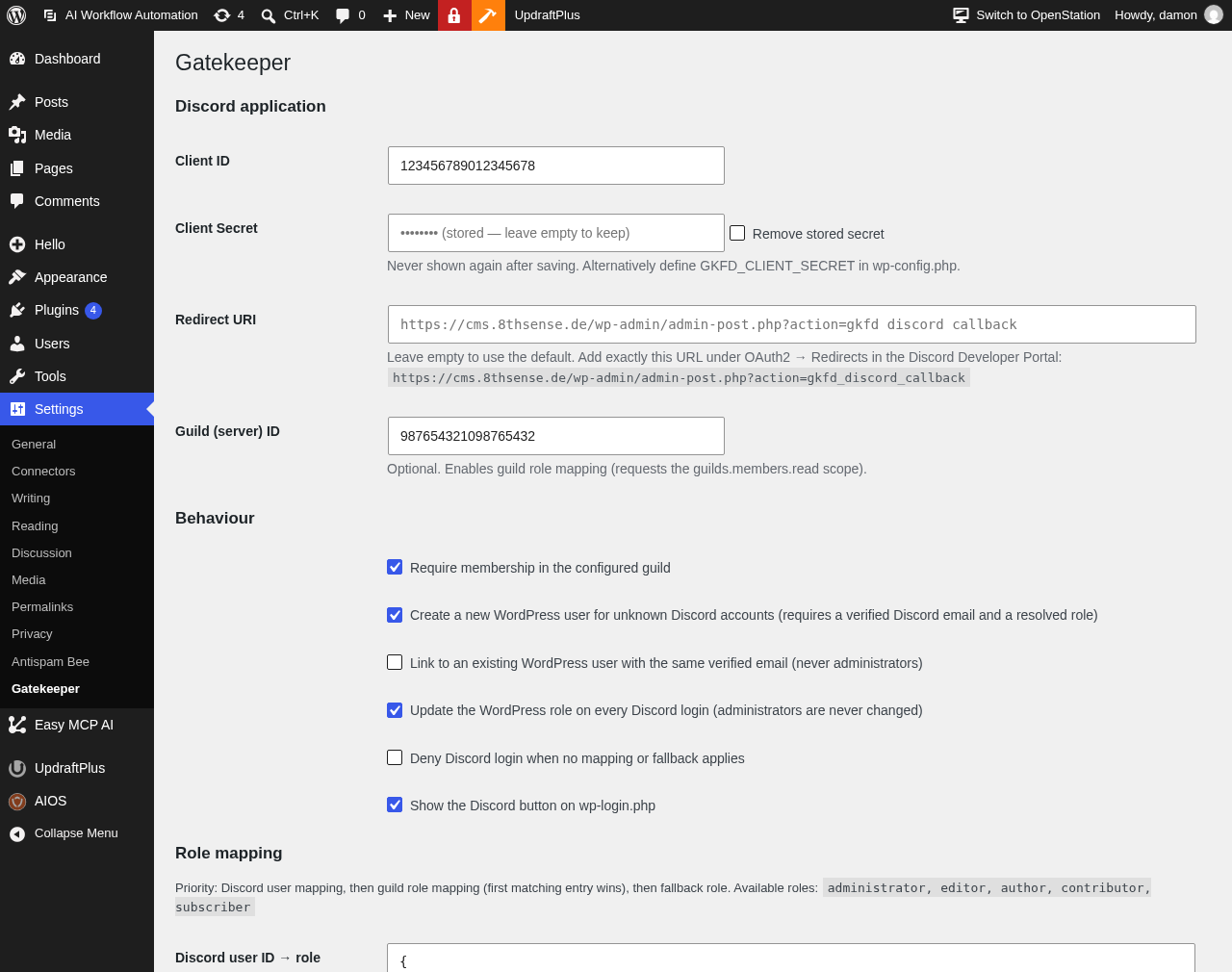
One settings page: credentials, behaviour and role mapping.
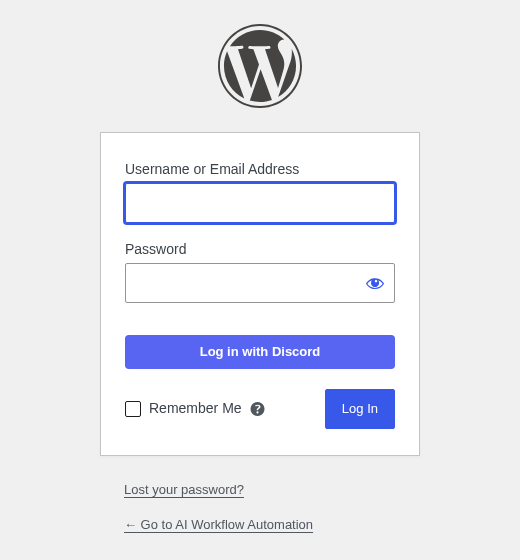
A “Log in with Discord” button on your login screen.
What it does
Log in with Discord
OAuth2 authorization-code flow with a button on wp-login.php, a shortcode and a template helper.
Role mapping
Discord user ID first, then Discord server role, then a fallback role. The first matching rule wins.
Server membership
Optionally require membership in your Discord server before anyone can sign in.
Safe registration
Create new users only for verified Discord emails and only when a role resolves.
Connect existing accounts
Logged-in users link Discord to their profile. Linking by verified email is optional and never touches administrators.
Built for safety
Single-use OAuth state bound to the browser, no secret in the front end, administrator role never granted by server-role or fallback rules.
Set up in three steps
Create a Discord application
Open the Discord Developer Portal, create an application and copy Client ID and Client Secret from OAuth2.
Add the redirect URI
Install the plugin and copy the Redirect URI shown under Settings → Gatekeeper into your application's OAuth2 redirects.
Map your roles
Enter your credentials, optionally your server ID, and define which Discord IDs and roles become which WordPress roles.
Questions and answers
Is the plugin free?
Yes. Gatekeeper for Discord is open source under the GPL-2.0-or-later license.
Can it make someone an administrator?
Only the explicit user-ID mapping can assign Administrator. Server-role and fallback mappings cannot, and existing administrators are never changed automatically.
Which data goes to Discord?
Only the login itself: the visitor approves on discord.com, and your site then requests the profile (ID, name, avatar, verified email) and, if configured, the server roles. Access tokens are not stored.
Can I keep the client secret out of the database?
Yes. Define GKFD_CLIENT_SECRET in wp-config.php and the constant takes precedence.
What does it need?
WordPress 6.0 or newer and PHP 7.4 or newer.
Discord is a trademark of Discord Inc. Gatekeeper for Discord is an independent plugin and is not affiliated with or endorsed by Discord.
Support and feedback: 8thsense.de.